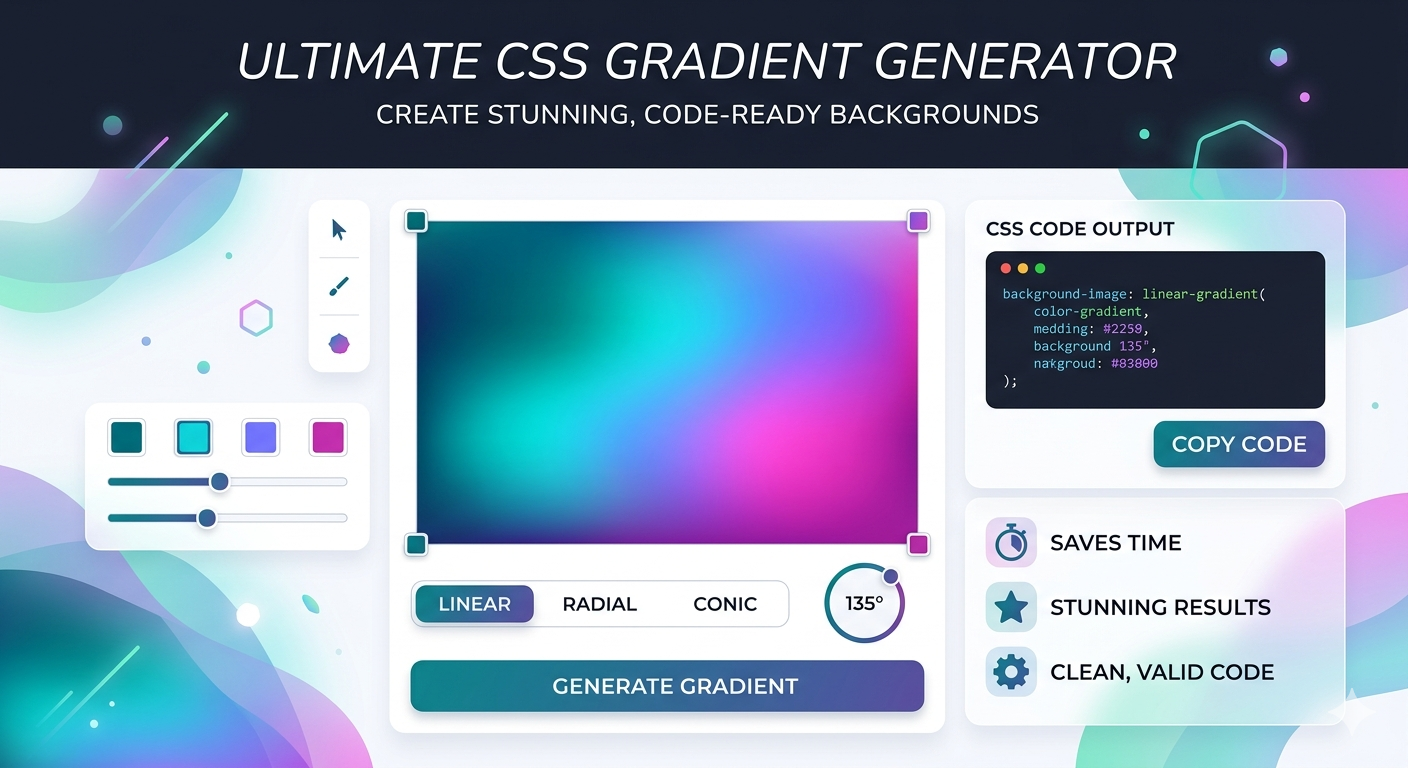
Mastering Modern UI: Why Every Designer Needs a CSS Gradient Generator
In the world of modern web design, flat colors are a thing of the past. From the vibrant interfaces of Instagram and Stripe to sleek SaaS landing pages, CSS gradients are the secret sauce that adds depth, energy, and a professional polish to any project.
However, coding the perfect transition between colors manually can be a headache. That’s where a professional CSS Gradient Generator becomes an essential tool in your developer toolkit.
Linear vs. Radial: Choosing the Right Style
To create a high-converting website, you need to understand the two primary types of gradients:
- Linear Gradients: These follow a straight line (up, down, left, right, or at a specific angle). They are perfect for buttons and full-page backgrounds.
- Radial Gradients: These emerge from a central point and radiate outward. They are excellent for creating "focal points" or simulating lighting effects on a UI element.
3 Reasons to Use a Gradient Generator
- Cross-Browser Compatibility: A good generator provides the necessary
-webkit-and-moz-prefixes so your design looks great on Chrome, Safari, and Firefox. - Real-Time Visualization: Stop guessing hex codes. Visual tools allow you to drag sliders and see the results instantly.
- Precision Coding: Easily adjust the "stops" to control exactly where one color ends and the next begins.
Pro Tip: Avoid "Gray Dead Zones"
A common mistake in gradient design is picking two colors that result in a muddy, gray middle area. To avoid this, use a CSS Gradient Generator to add a third "mid-point" color that keeps the transition vibrant and saturated.
Ready to Level Up Your Design?
Stop struggling with manual CSS syntax. Create breathtaking, performance-friendly backgrounds in seconds using our free tool.
Try it now: Gigaconverter CSS Gradient Generator


Comments (0)
Leave a Comment