Master Your Content with the Ultimate Reverse Text Tool
Published by GigaConverterPDF Editorial Team
Have you ever wondered how people post flipped messages on social media or create those cool, enigmatic mirror-image captions? The secret isn't a complex coding trick—it's a Reverse Text Tool. Whether you are a developer, a puzzle enthusiast, or a social media influencer, reversing text can add a unique flair to your digital communication.
At GigaConverterPDF, we’ve developed a seamless, browser-based solution to help you flip, mirror, and reverse your strings in seconds.
What is a Reverse Text Generator?
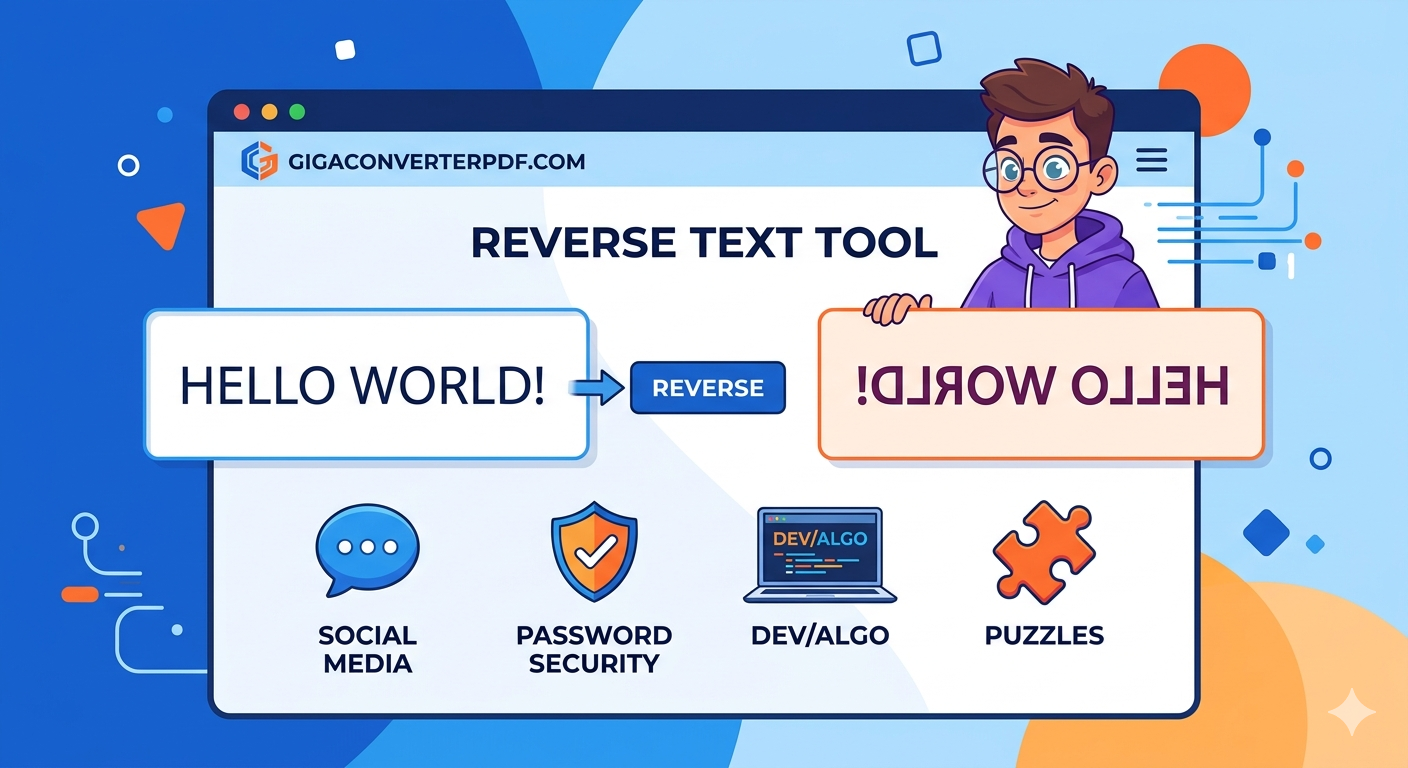
A Reverse Text Generator is an online utility that takes your standard input and flips the character order. For example, entering "Hello World" would instantly result in "dlroW olleH". While it sounds simple, the applications are vast, ranging from data security to creative design.
Top 4 Uses for Reversing Text
- Social Media Engagement: Stand out on Instagram, TikTok, and Twitter by using backwards text to grab attention and increase comments.
- Password Security: Many users use reversed strings as a base for complex passwords that are harder for bots to guess but easy for the user to remember.
- Coding & Debugging: Developers often use reversed strings to test algorithms, check for palindromes, or manipulate data structures.
- Creative Puzzles: Teachers and gamers use mirror text to create hidden messages and fun brain teasers.
Why Choose GigaConverterPDF?
While there are many tools online, the GigaConverterPDF Reverse Text Tool stands out for several reasons:
- Lightning Fast: Our tool processes your text locally in your browser, meaning zero lag.
- Privacy Focused: We don’t store your text on our servers. Your data stays yours.
- Mobile Friendly: Fully responsive design allows you to flip text on the go from your smartphone.
- 100% Free: No hidden subscriptions or limits on how many words you can reverse.
How to Reverse Your Text in 3 Easy Steps
Using our tool is as easy as 1-2-3:
- Copy the text you want to flip.
- Paste it into the input box on our Reverse Text page.
- Click Reverse and copy your new "backwards" text!

Comments (0)
Leave a Comment