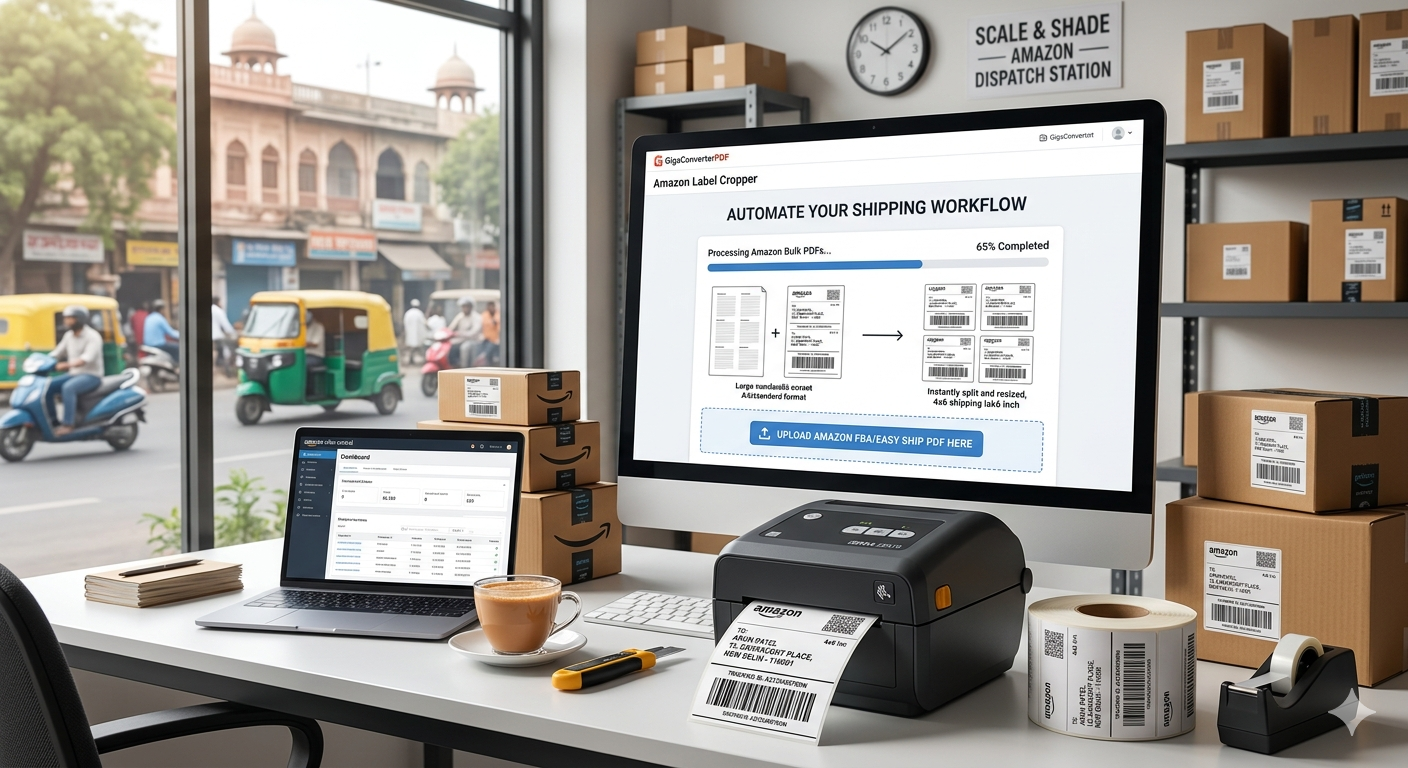
Mastering Your Amazon Shipping: Why You Need an Amazon Label Cropper
Optimize your Amazon seller workflow, reduce paper waste, and ensure 100% barcode scan accuracy.
The Amazon Seller’s Dilemma: A4 vs. Thermal Labels
As an Amazon seller (FBA or Easy Ship), you know the frustration. You download your shipping labels, and they come in a format designed for a standard A4 sheet. If you use a professional thermal printer, you’re forced to manually crop, rotate, and resize every single label—a process that eats up hours of your day.
The Amazon Label Cropper is the game-changing solution that automates this entire process, turning your bulk PDF files into perfect 4x6 inch (100x150mm) labels instantly.
Why Use the GigaConverterPDF Amazon Label Cropper?
Efficiency is the difference between a struggling store and a 7-figure Amazon business. Here is how this tool revolutionizes your logistics:
- Automatic Detection: No need to manually select areas. The AI-powered tool finds the shipping label, SKU info, and barcode within the PDF automatically.
- Perfect for Thermal Printers: Optimized for Zebra, TSC, Rollo, and Munbyn printers. Say goodbye to blurry barcodes and "fit-to-page" scaling issues.
- Batch Processing: Upload 10, 50, or 200 labels at once. The tool processes them in seconds, merging them into a single, print-ready document.
- Privacy Focused: Your customer data stays safe. The processing is done right in your browser, ensuring your sensitive shipping information is never stored on a server.
How to Crop Amazon Labels for 4x6 Printing
Follow these four simple steps to streamline your packaging station:
- Export Labels: Download your bulk shipping labels from Amazon Seller Central as a PDF.
- Upload to GigaConverterPDF: Drag and drop your file into the Amazon Label Cropper tool.
- Instant Conversion: The tool will instantly separate and crop the shipping labels and invoices into the standard A6 (4x6) format.
- Print & Ship: Download the optimized PDF and print it at 100% scale. Your labels will come out crisp, clear, and ready for pickup.
Pro Tips for Amazon Label Printing Success
To ensure your packages are never rejected by couriers, follow these best practices:
- Set DPI to 300: Most thermal printers perform best at 300 DPI for crisp barcode scanning.
- Avoid Glossy Labels: Use matte thermal labels to prevent light reflection, which can cause scanners to fail.
- Density Settings: If your labels are too light, increase the "Darkness" or "Density" setting in your printer preferences.
Comments (0)
Leave a Comment