Stop Settling for Blurry PDFs.
The 2026 Guide to Industrial-Grade Image Conversion
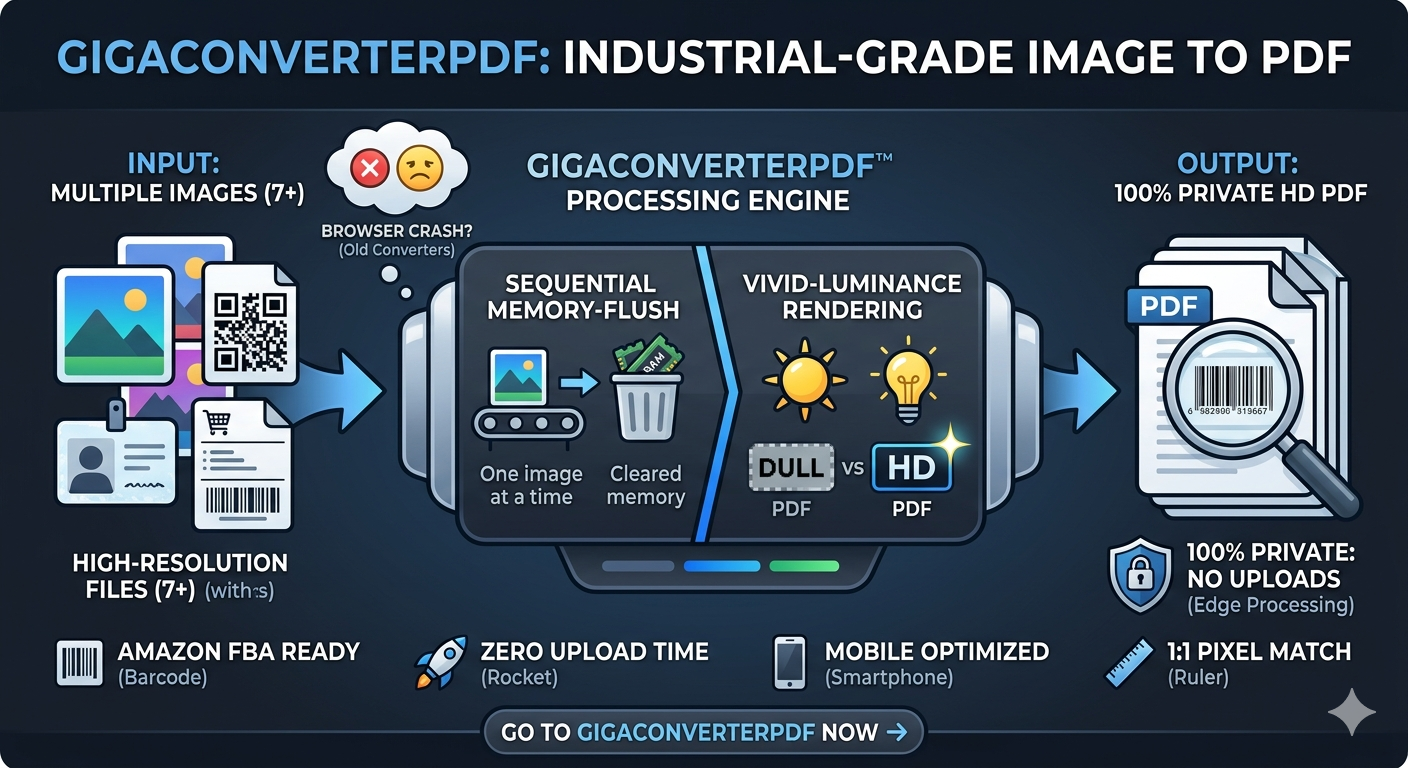
In a world where digital clarity is everything, why are we still fighting with "frozen" browsers and pixelated documents? If you’ve ever tried to convert a batch of high-res images only to have your browser crash at 90%, you know the frustration.
Enter GigaConverterPDF—the only utility built to handle the heavy lifting of professional-grade document creation without the lag.
The GigaConverter Advantage
Most online converters use aggressive compression to save their server costs, leaving your documents looking dull. We’ve reinvented the process:
- Vivid-Luminance Rendering: Our engine uses lossless PNG data mapping. Your whites stay brilliant, and your text remains razor-sharp—crucial for scannable shipping labels and high-end portfolios.
- Sequential Memory-Flush Engine: Say goodbye to the "Missing Download Button" error. By processing images one by one and clearing RAM instantly, we offer infinite batch processing with zero crashes.
- Privacy-First Architecture: Your data never leaves your device. Everything happens locally in your browser, keeping you 100% safe from data leaks.
Why Professionals Choose Us
Whether you're an Amazon FBA seller merging product labels or a designer compiling a 100-page lookbook, GigaConverterPDF delivers industrial reliability:
- Zero Upload Time: No waiting for files to hit a server.
- Mobile Optimized: Convert directly from your gallery on iPhone or Android.
- 1:1 Pixel Match: Automatic dimension detection ensures your PDF matches your original image perfectly.
Ready to experience HD rendering?
Drag and drop your assets into our Liquid-Onyx dashboard and see the difference in 3 seconds.
Convert Your Images Now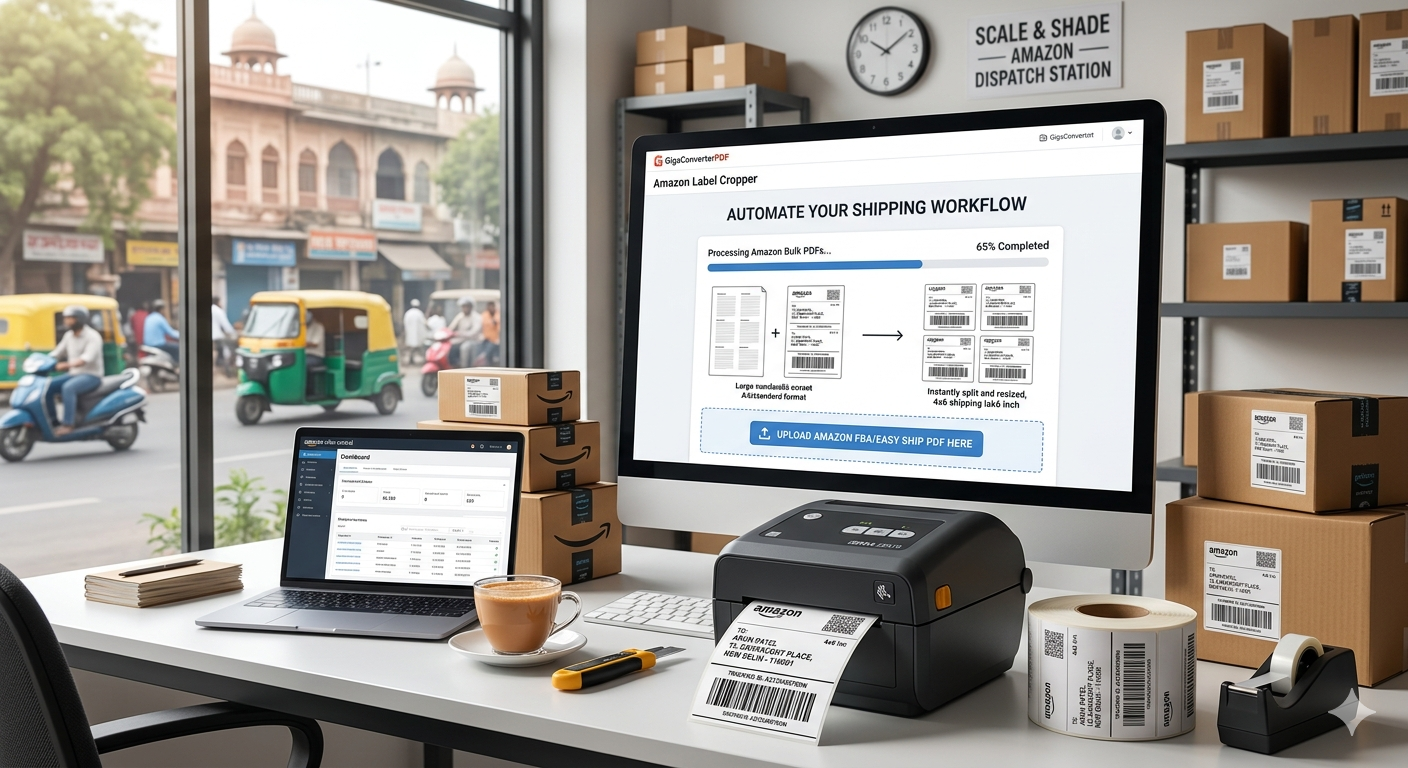
Comments (0)
Leave a Comment