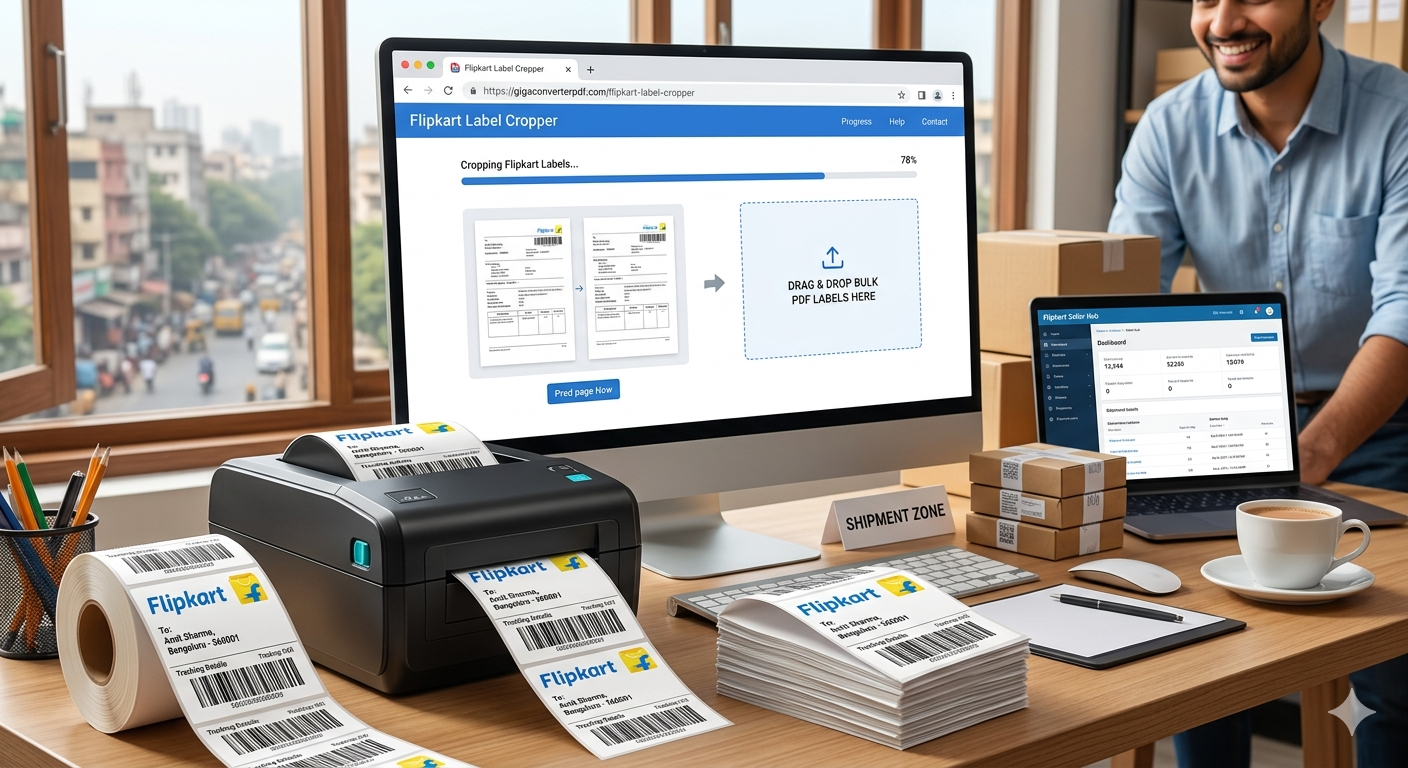
Streamline Your Shipping: Why Every Seller Needs a Flipkart Label Cropper
Boost your e-commerce productivity and reduce manual errors with advanced PDF automation tools.
The Challenge of Manual Flipkart Label Printing
For high-volume e-commerce sellers on Flipkart, the shipping process can often become a bottleneck. When you download your shipping labels, they typically come in a multi-page PDF format that isn't optimized for standard thermal printers or 4x6 label sheets. Manually cropping these labels is not only time-consuming but also prone to errors that can lead to logistics delays.
This is where the Flipkart Label Cropper by GigaConverterPDF becomes an essential tool for your business.
What is a Flipkart Label Cropper?
A Flipkart Label Cropper is a specialized web-based utility designed to automatically detect and extract shipping labels from bulk PDF files. Instead of using generic PDF editors, this tool is calibrated specifically for the Flipkart seller dashboard layouts, ensuring that barcodes and customer details are perfectly framed every time.
Key Benefits of Using GigaConverterPDF for Your Business
- Bulk Processing Power: Upload dozens of orders at once and receive a perfectly cropped, print-ready file in seconds.
- Thermal Printer Optimization: The tool ensures your labels fit the standard 4x6 inch (A6) dimensions used by most logistics providers.
- No Software Installation: As a cloud-based solution, you can access the tool from any device without downloading bulky software.
- Improved Scan Rates: By maintaining high-resolution output, the barcodes remain crisp, reducing the chances of courier pickup rejections.
How to Use the Flipkart Label Cropper: A Step-by-Step Guide
Using the tool is incredibly straightforward, even for those who aren't tech-savvy:
- Download: Get your bulk shipping label PDF from the Flipkart Seller Hub.
- Upload: Navigate to GigaConverterPDF and drag your file into the upload box.
- Process: The AI-driven engine will identify the shipping labels within the document.
- Download & Print: Save your new, optimized PDF and send it directly to your thermal printer.
The Impact on Your Bottom Line
Efficiency in the "pick-pack-ship" cycle is what separates successful sellers from the rest. By automating the cropping process, you save hours of labor every week. This allows you to focus on what really matters: sourcing great products and scaling your brand.
Comments (0)
Leave a Comment