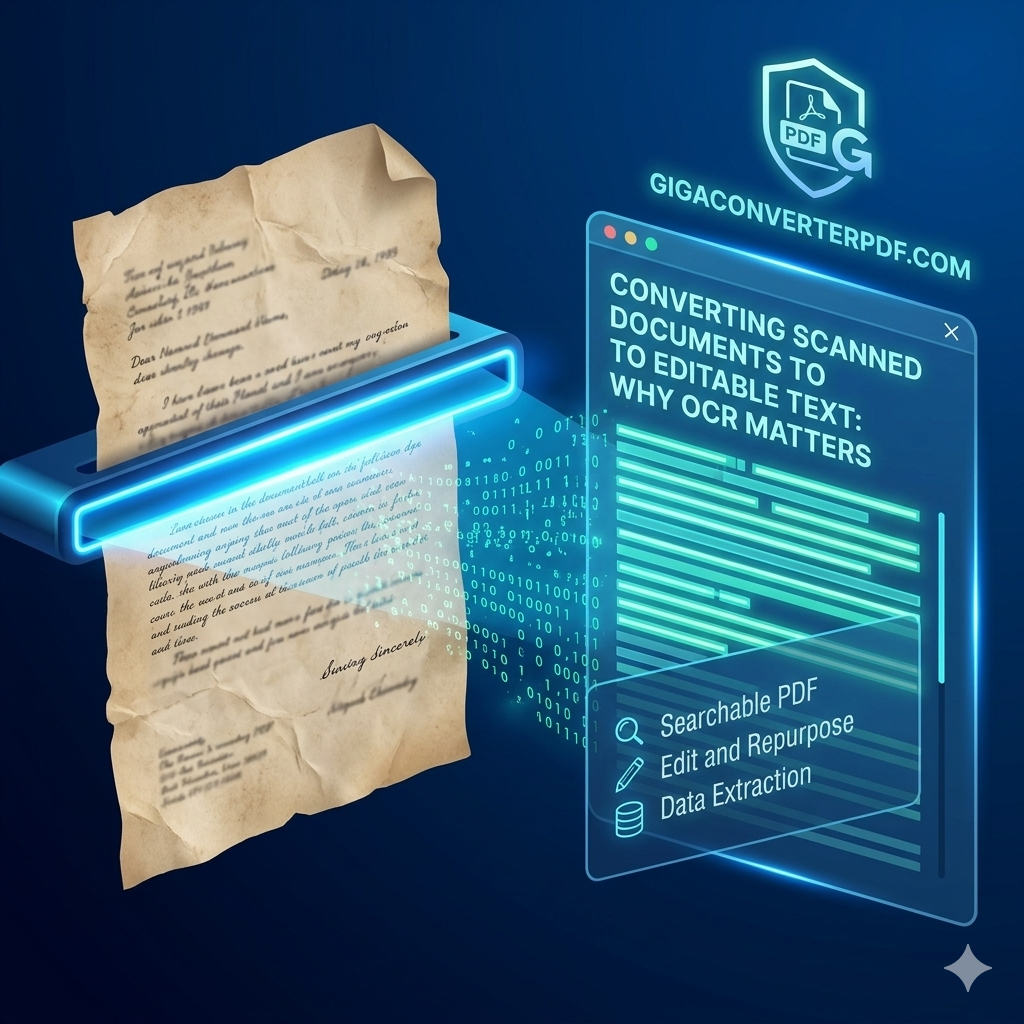
Converting Scanned Documents to Editable Text: Why OCR Matters
In today's fast-paced digital world, efficiency is king. We’ve all been there: you receive a scanned document or a photo of a page, and you need to edit the content. Without the right technology, you're stuck manually retyping everything—a tedious, error-prone, and time-consuming task.
This is where OCR (Optical Character Recognition) technology steps in to save the day. At GigaConverterPDF, we believe in making document management seamless. Let’s dive into why OCR is a game-changer for anyone dealing with PDFs.
What Exactly is OCR?
OCR stands for Optical Character Recognition. It is a technology that recognizes text within a digital image. It is commonly used to recognize text in scanned documents and images. OCR software examines the text of a document and translates the characters into code that can be used for data processing. This turns a "flat" image of a document into a fully searchable and editable file.
Why OCR Matters for Your Workflow
1. Turn Static Images into Active Data
A standard scan is essentially just a picture of words. You can't search for a specific keyword or copy a paragraph. With OCR, your scanned PDF to text conversion makes the document interactive. You can search, highlight, and copy text just like a native Word document.
2. Massive Time Savings
Imagine having to retype a 50-page manual just to change a few sentences. OCR completes that task in seconds. By using a tool like GigaConverterPDF, you automate the extraction of data, allowing you to focus on high-value work instead of data entry.
3. Improved Searchability and Accessibility
Once a document has gone through an OCR engine, it becomes searchable. This is vital for businesses that archive thousands of documents. Instead of hunting through folders, you can find exactly what you need with a simple Ctrl + F command.
4. Easy Editing and Formatting
Converting a PDF to editable text means you can fix typos, update statistics, or redesign the layout without starting from scratch. It bridges the gap between physical paper and digital flexibility.
Ready to Convert Your Scanned PDFs?
Don't waste another minute retyping. Experience the power of high-accuracy OCR with GigaConverterPDF. Fast, secure, and easy to use.
Try GigaConverterPDF NowConclusion
OCR technology is no longer a luxury; it’s a necessity for modern digital workflows. Whether you are a student, a legal professional, or a small business owner, the ability to convert scanned documents to editable text will save you hours of frustration. Visit GigaConverterPDF.com today and see how easy document conversion can be!
Comments (0)
Leave a Comment