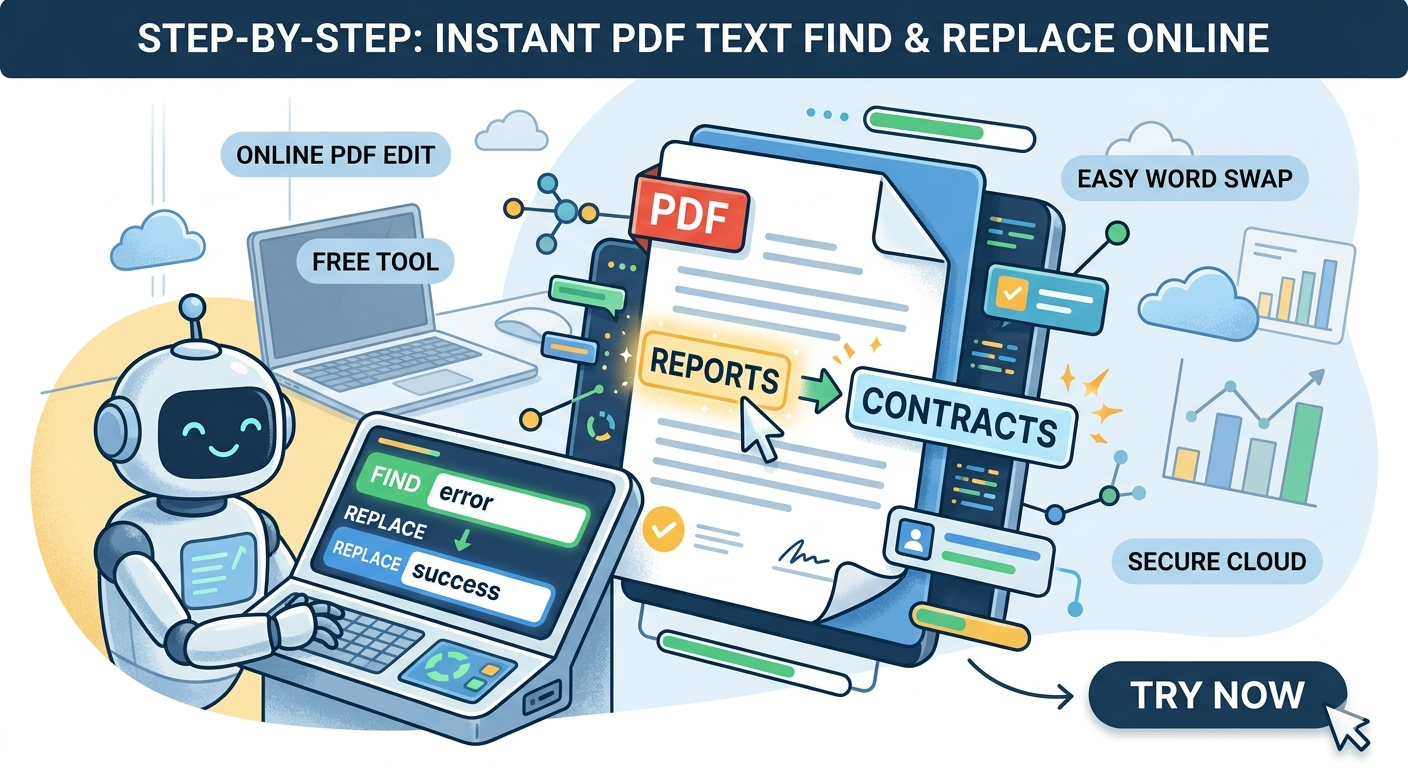
Stop Manually Editing! How to Find and Replace Text in PDF Files Instantly
Published on October 24, 2023 | Category: Productivity Tools
Have you ever finished a 50-page report only to realize you misspelled a client's name on every single page? Or perhaps your company rebranded, and you need to update an old URL across hundreds of PDF documents?
Normally, editing a PDF requires expensive subscriptions or clunky software installations. But what if you could find and replace text in a PDF online in seconds? Today, we’re looking at the most efficient way to handle batch PDF edits using GigaConverter’s PDF Find & Replace tool.
The Challenge: Why Editing PDFs is Hard
PDFs are designed to be "final" documents. Unlike Word files, they aren't meant to be easily altered. Most "Free PDF Editors" only let you add text or signatures, but they won't let you search the existing layers to swap words out.
3 Steps to Replace Text in Your PDF Online
Using the GigaConverter tool is straightforward. Here is how you can update your documents today:
- Upload Your File: Drag and drop your PDF into the secure uploader.
- Enter Search Terms: Type the word or phrase you want to change in the "Find" box, and your new text in the "Replace" box.
- Download: Hit the convert button and download your updated, perfectly formatted PDF.
Why Use GigaConverter PDF?
- No Installation Required: It works entirely in your web browser.
- Privacy First: Your files are processed securely and deleted from the server after use.
- Accuracy: Maintains the original font style and layout as much as possible.
- Completely Free: Save money on expensive PDF editing suites.
Ready to Clean Up Your Documents?
Don't waste hours re-typing or copy-pasting. Use the fastest PDF text replacer on the web.
Try GigaConverter PDF Find & Replace Now
Comments (0)
Leave a Comment