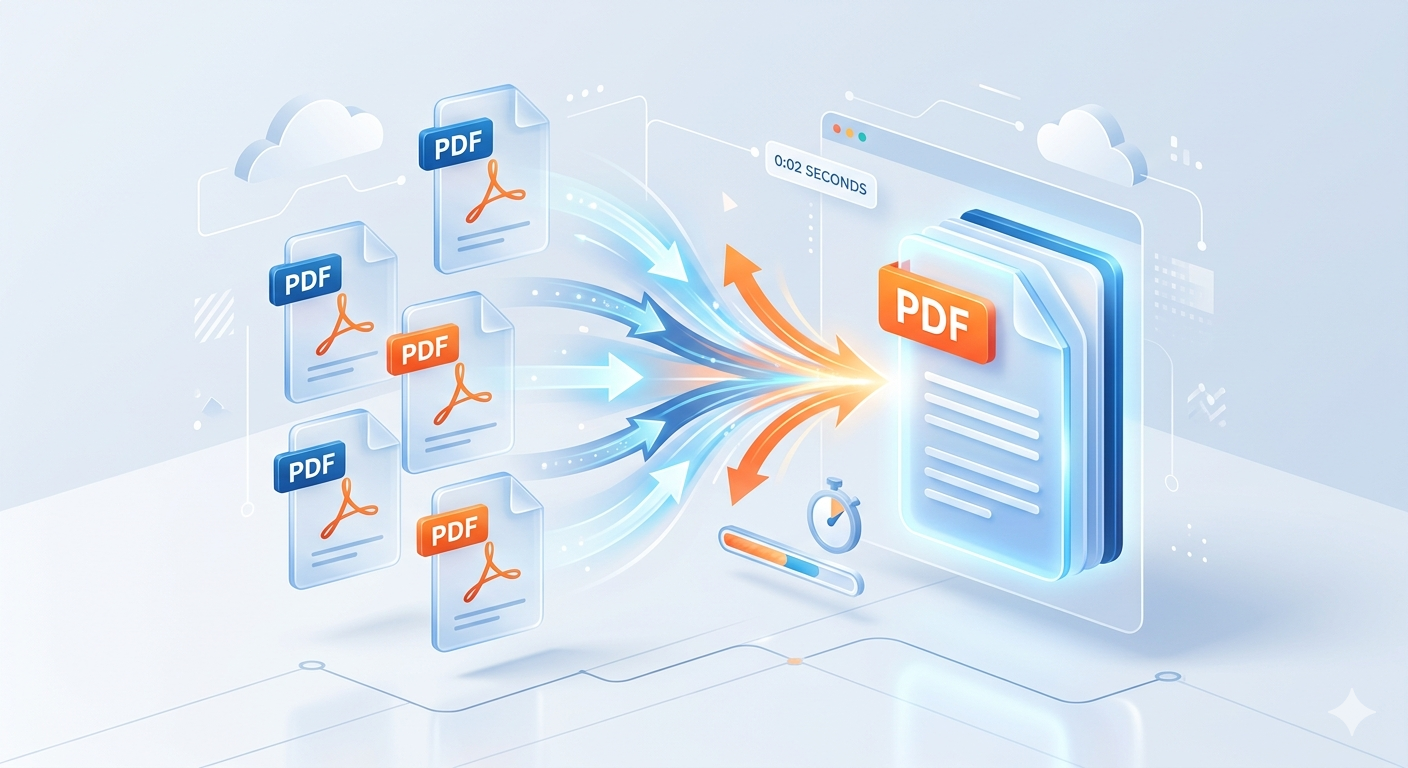
How to Merge Multiple PDF Documents into One File in Seconds
Simplify your workflow with the fastest online PDF merger.

Managing dozens of scattered files is inefficient. Whether you're combining monthly invoices, submitting a unified school project, or organizing medical records, learning how to merge PDF documents efficiently is a vital digital skill.
At **GigaConverterPDF**, we have developed the ultimate solution: a **free online PDF merger** that is fast, secure, and requires no installation. This guide will show you how to join PDF files in just a few seconds.
The Benefits of Combining PDF Files
Using a tool to combine PDF files free offers several key advantages:
- Streamlined Organization: Consolidate related data into a single, comprehensive document.
- Faster Sharing: Send one email attachment instead of five or ten separate files.
- Professional Presentation: Deliver a cohesive report, portfolio, or eBook to clients or colleagues.
3 Easy Steps to Use GigaConverterPDF
Our tool is designed for speed and simplicity. Here’s how it works:
- Upload Your PDFs: Drag and drop your documents directly onto our Merge PDF Tool page.
- Arrange the Order: Use our intuitive visual interface to drag and drop the pages into your preferred sequence.
- Click 'Merge': Our powerful servers process the request in milliseconds, and your unified file is ready for instant download.
Frequently Asked Questions (FAQ)
Is it safe to merge PDFs online?
Absolutely. Security is our priority at GigaConverterPDF. Your files are transferred via an encrypted connection and are automatically deleted from our servers permanently after 60 minutes.
Can I merge PDFs on a mobile device?
Yes. Our web-based tool works perfectly on iPhones, iPads, Android devices, and all desktop browsers (Chrome, Safari, Firefox).
Comments (0)
Leave a Comment