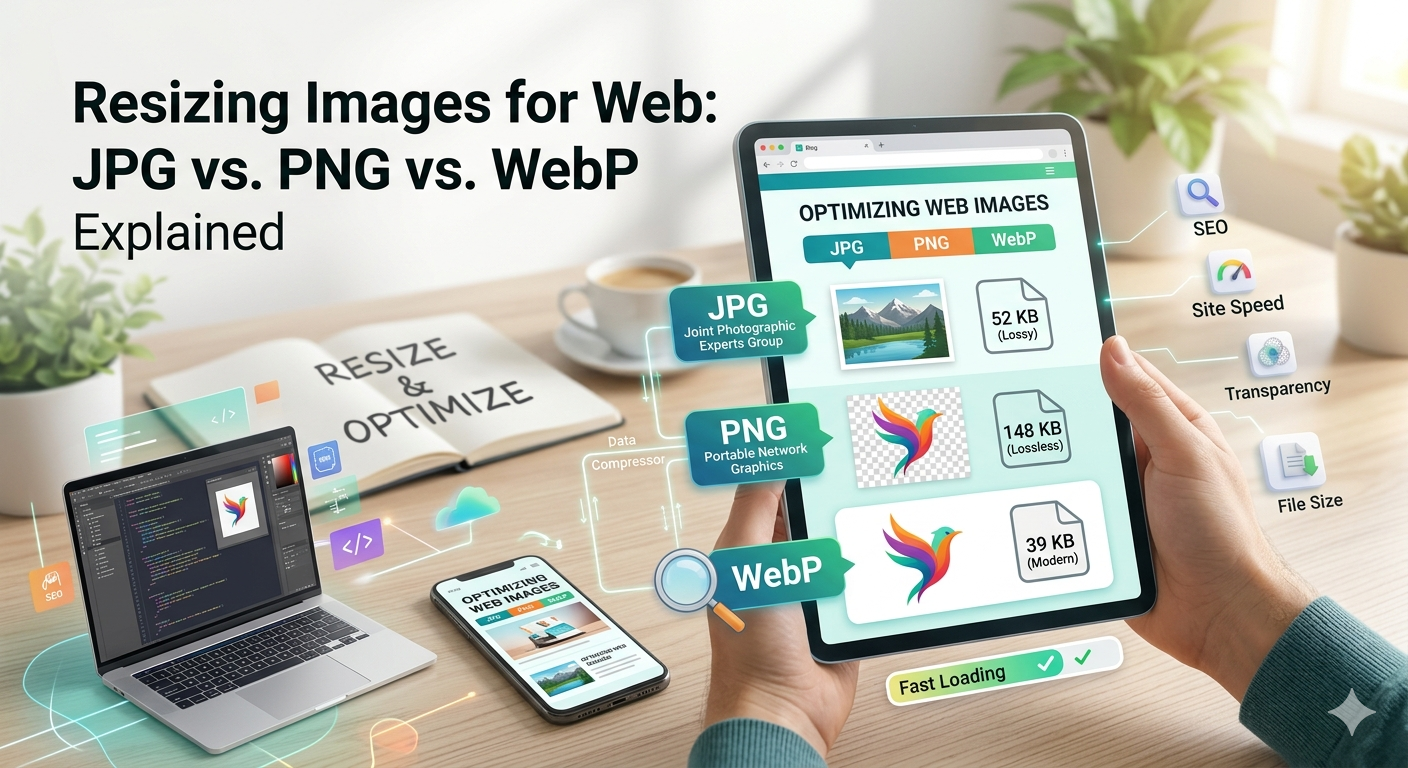
Resizing Images for Web: JPG vs. PNG vs. WebP Explained
Optimize your website performance by choosing the right image format and size.
In the digital world, speed is everything. If your website takes more than three seconds to load, you risk losing over half of your visitors. One of the biggest culprits of slow loading times? Unoptimized images.
Learning how to resize images for the web and choosing between JPG, PNG, and WebP is essential for any site owner looking to improve user experience and SEO rankings.
Understanding the Big Three: JPG, PNG, and WebP
1. JPG (Joint Photographic Experts Group)
JPG is the most common format for digital photography. It uses lossy compression, meaning it sacrifices some data to reduce file size significantly.
- Best for: Complex photographs and images with many colors.
- Pros: Small file sizes, universally supported.
- Cons: Does not support transparency; quality drops with repeated saves.
2. PNG (Portable Network Graphics)
PNG is a lossless format, meaning it retains all data and quality. It is famous for supporting transparent backgrounds.
- Best for: Logos, icons, screenshots, and images with text.
- Pros: High quality, supports transparency.
- Cons: Much larger file sizes compared to JPG or WebP.
3. WebP (The Modern Standard)
Developed by Google, WebP is the "holy grail" of web images. It provides superior lossless and lossy compression.
- Best for: Almost everything on the web.
- Pros: 25-35% smaller than JPGs at equivalent quality; supports transparency.
- Cons: Older legacy browsers (very rare today) may not support it.
Comparison Table: Which One Should You Use?
| Feature | JPG | PNG | WebP |
|---|---|---|---|
| Compression | Lossy | Lossless | Both |
| Transparency | No | Yes | Yes |
| File Size | Small | Large | Smallest |
| Use Case | Photos | Logos/Graphics | Web Optimization |
Why Resizing Images is Crucial for SEO
Search engines like Google use Core Web Vitals as a ranking factor. "Largest Contentful Paint" (LCP) measures how quickly the main content of a page loads. Large, unresized images slow down your LCP, which can hurt your search engine rankings.
By using tools to convert your files to WebP or resize them to the exact dimensions needed for your layout, you ensure your site stays fast and competitive.
How to Optimize Your Images
- Choose the right format: Use WebP whenever possible.
- Resize before uploading: Don’t upload a 4000px wide image if it only displays at 800px.
- Use a compression tool: Use online converters to strip unnecessary metadata.
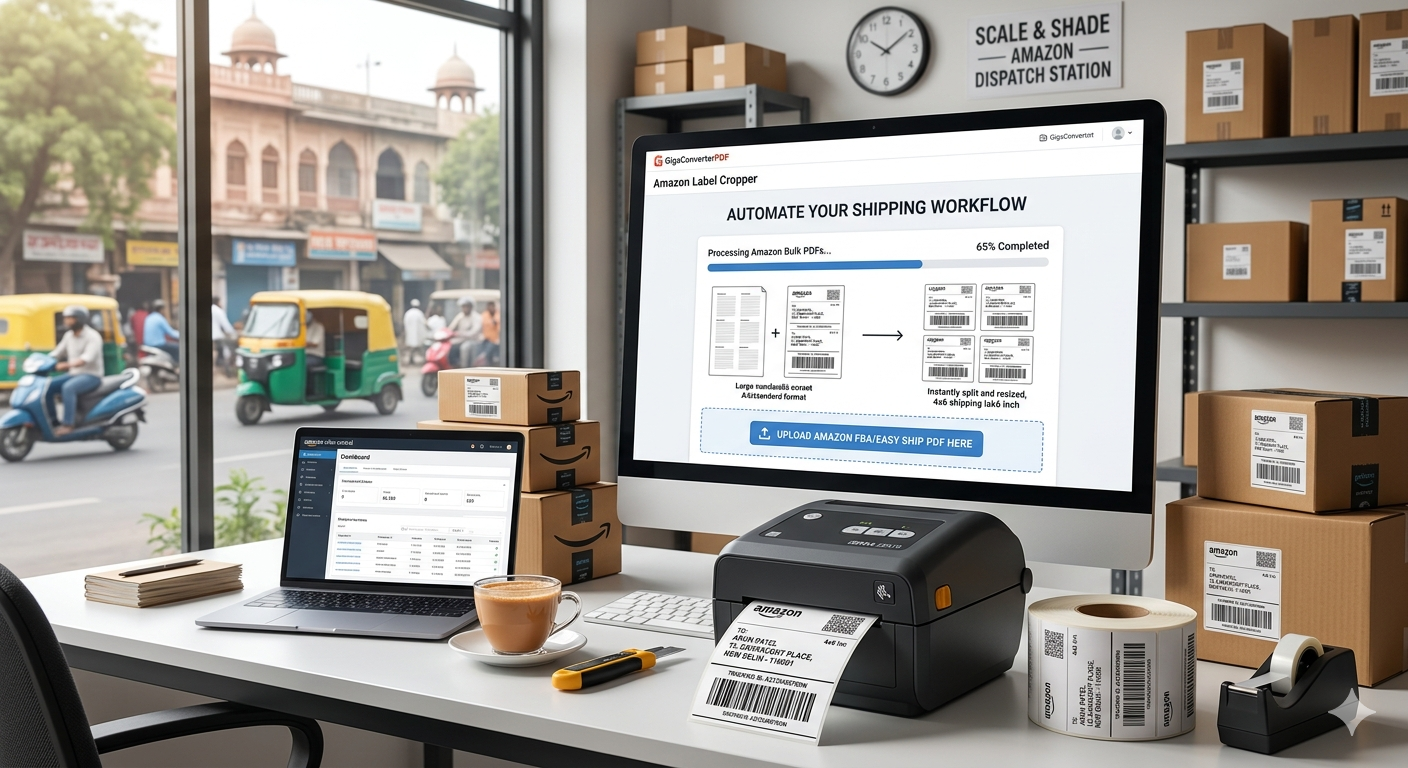
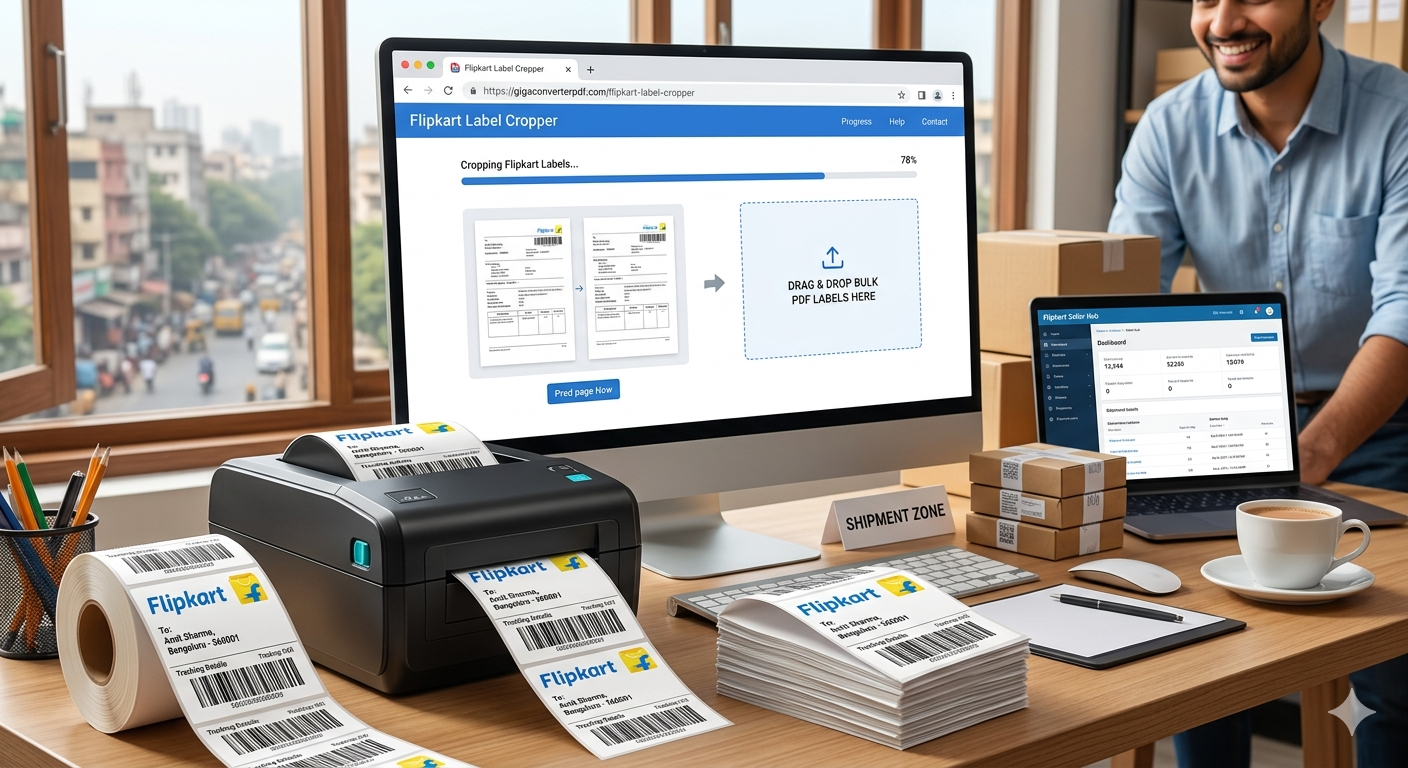
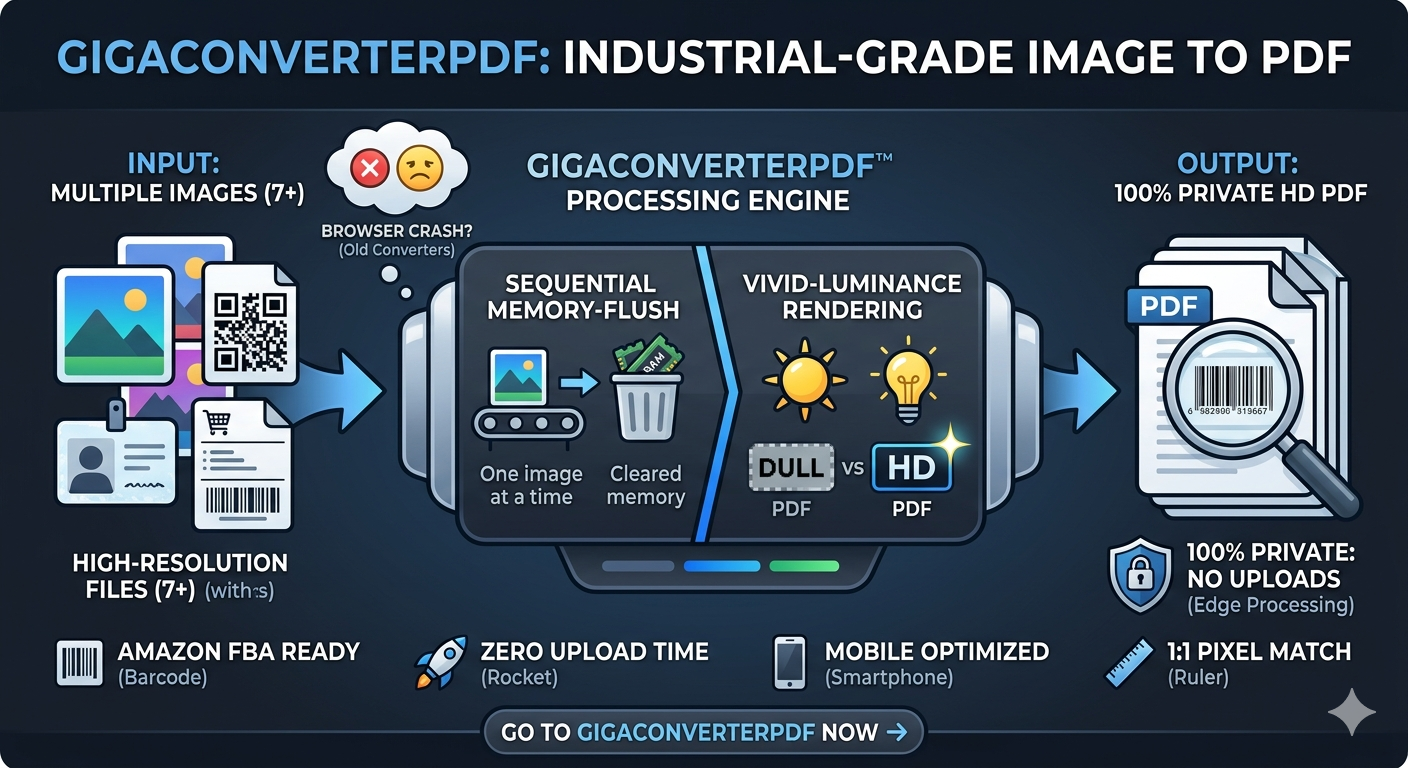
Ready to speed up your site? Use GigaConverterPDF to manage your document and image needs efficiently.
Comments (0)
Leave a Comment