Seller Success Blog
Streamline Your FBA Shipping: Why Every Amazon Seller Needs a Label Cropper
If you are an Amazon FBA (Fulfillment by Amazon) seller, you know that the "last mile" of preparing your inventory is often the most tedious. You’ve sourced your products, prepped them, and boxed them up. But then comes the dreaded task of handling the shipping labels.
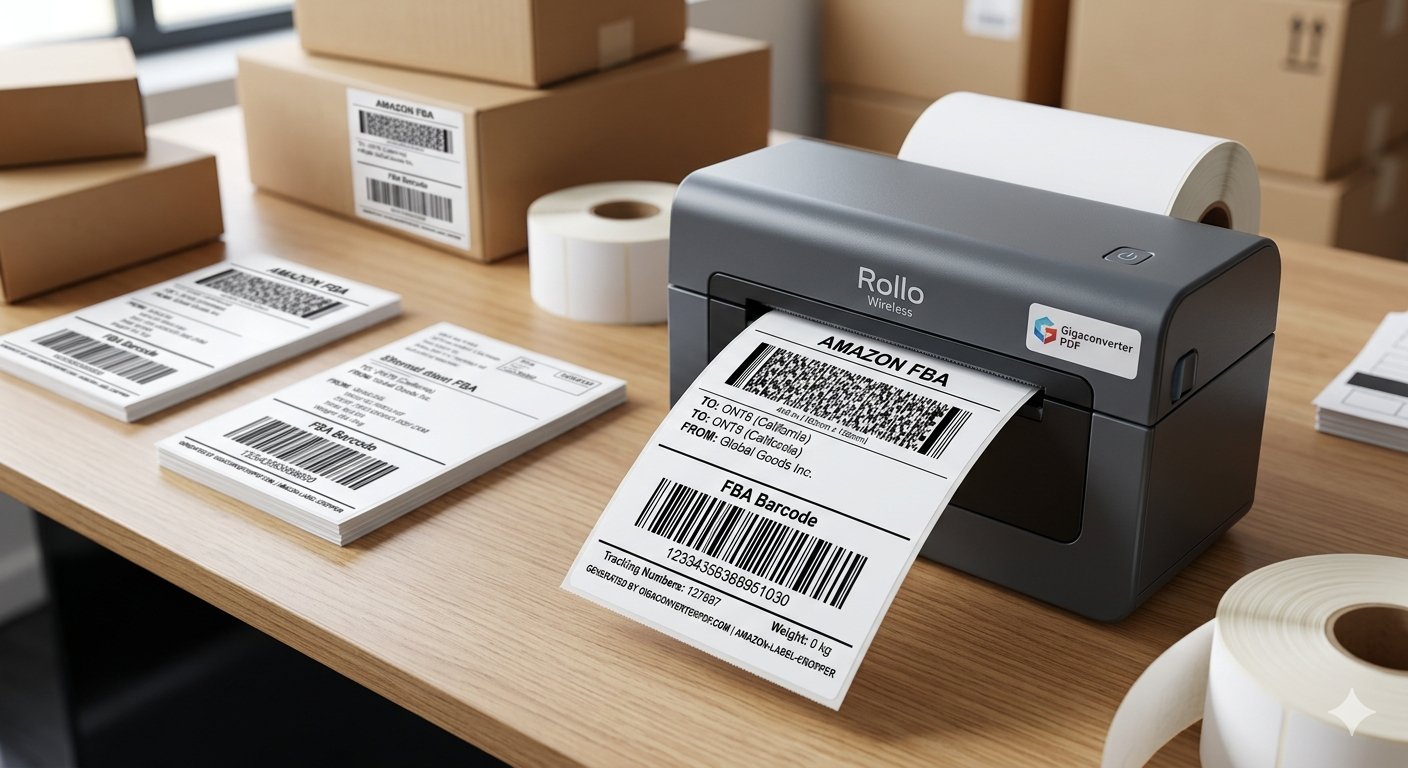
Standard Amazon shipping labels are generated as Letter-sized (8.5" x 11") PDF documents, typically containing multiple labels per page. If you are using a thermal printer like a Rollo or Dymo, printing these directly is a nightmare. This is where the Amazon Label Cropper becomes a game-changer for your business.
What is an Amazon Label Cropper?
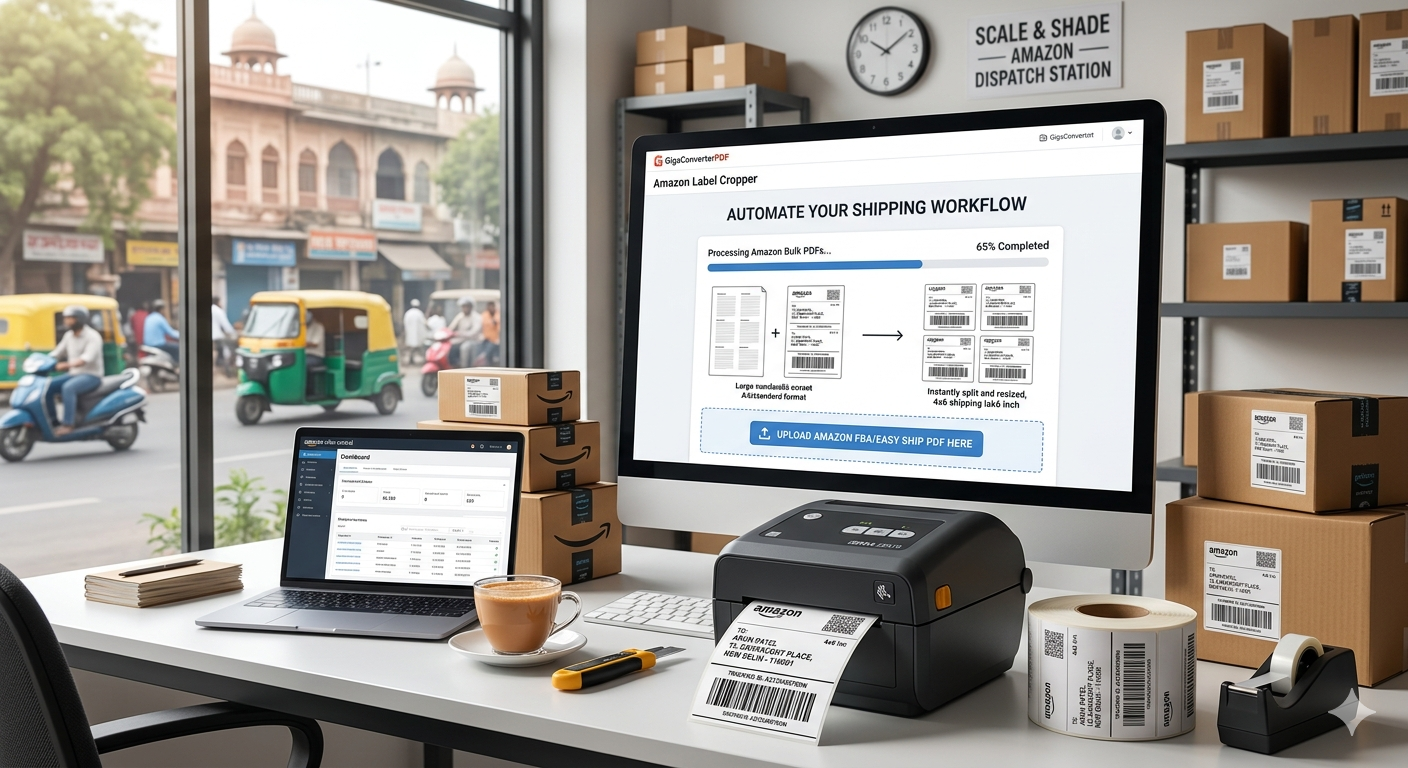
An Amazon Label Cropper is a specialized digital tool designed to take those bulky, multi-page PDF documents from Amazon Seller Central and instantly resize them into individual, 4x6 thermal-ready labels.
Why is this tool important for your business?
1. Professionalism and Scannability
Amazon’s warehouses are highly automated. If your label is blurry because you manually resized it, your package might be rejected or lost. A dedicated cropper ensures the barcode is crisp, perfectly scaled, and meets all carrier requirements.
2. Massive Time Savings
Time is money. If you are shipping 20 boxes a day and spending 2 minutes manually cropping each label, you’re losing nearly 40 minutes a day. The GigaConverter PDF Label Cropper allows you to upload your file and get your ready-to-print labels back almost instantly.
3. Cost Efficiency (Save on Ink!)
Thermal printers don't use ink; they use heat. By using a label cropper, you unlock the ability to use thermal printing, which can save you hundreds of dollars in office supplies and ink cartridges annually.
4. Accuracy and Error Reduction
Manually cutting and taping labels leaves room for error. An automated cropper ensures that 100% of the necessary data is preserved while removing the unnecessary margins.
How to use the GigaConverter Label Cropper
- Download your shipping label PDF from Amazon Seller Central.
- Upload the file to the Amazon Label Cropper.
- Download the processed file.
- Print directly to your thermal printer.
Conclusion
Scaling an Amazon business requires moving away from manual "busy work" and toward automation. The Amazon Label Cropper from GigaConverter is a free, fast, and essential tool that helps you look more professional and get your products to the warehouse faster.
Stop fighting with your printer. Switch to a smoother workflow today!
Comments (0)
Leave a Comment